Choose Windows or Linux
Run the agent on a Windows or Linux x86-64 computer that can reach the miners on your trusted network. A phone can open the dashboard. Download the agent on the computer where it will run.
Download agent · Windows x64
File details · 31.8 MB
7f5664cd851c1ff268fb91872a8231f1d18435f95a2ad207d07c543a448cdb38Download agent · Linux x64
File details · 12.2 MB
96d33834a40cfce669404241465e24d9421fa28df2e62a58cdc8bd07b7c90237Keep this page on your computer
Before you start
Record the model, board and current firmware version. Save your pool and network configuration. Plan for a restart during the update.
First installationWhat to do
- Start the downloaded agent. On Linux allow execution for this file in its properties. Open the local address it displays. Enter only the address range that contains your miners.
- Find the intended device in the list. Match its model and board, then check the version offered. Select only the devices you mean to update and confirm the update in the agent.
- Wait for completion. After restart, check the installed version, pool connection and normal operation.
Troubleshooting
No suitable version offered? Keep the current firmware and check the catalog for this exact model. A software download alone does not install firmware.
Find firmware by model and control board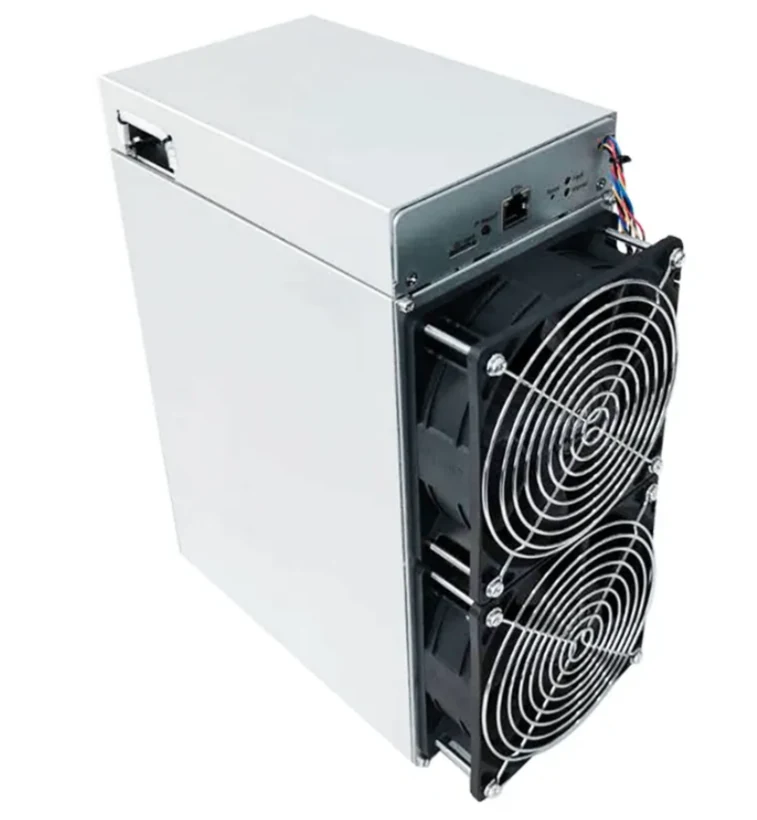 Identify a Z15 at the rack before selecting a file
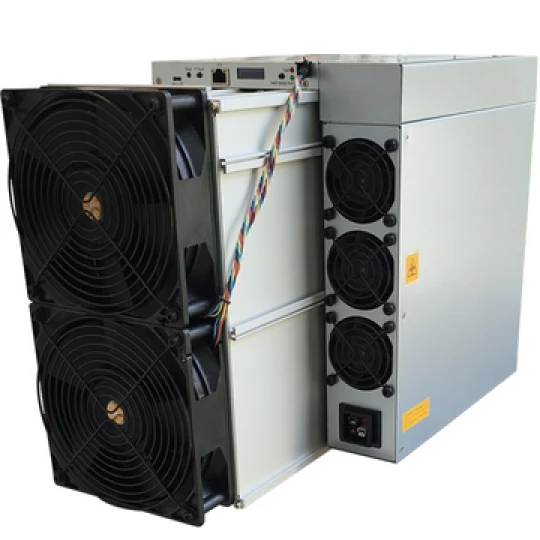 Receiving an S23: check the 305T label and first shift
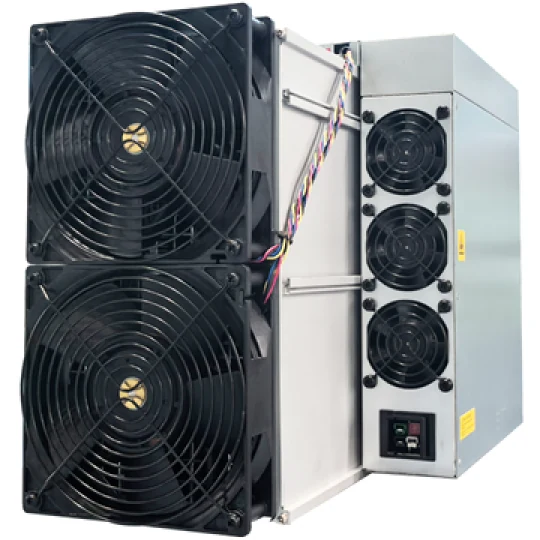 Why 20 and 20,000 can be the same L11 reading